Meet qDiff
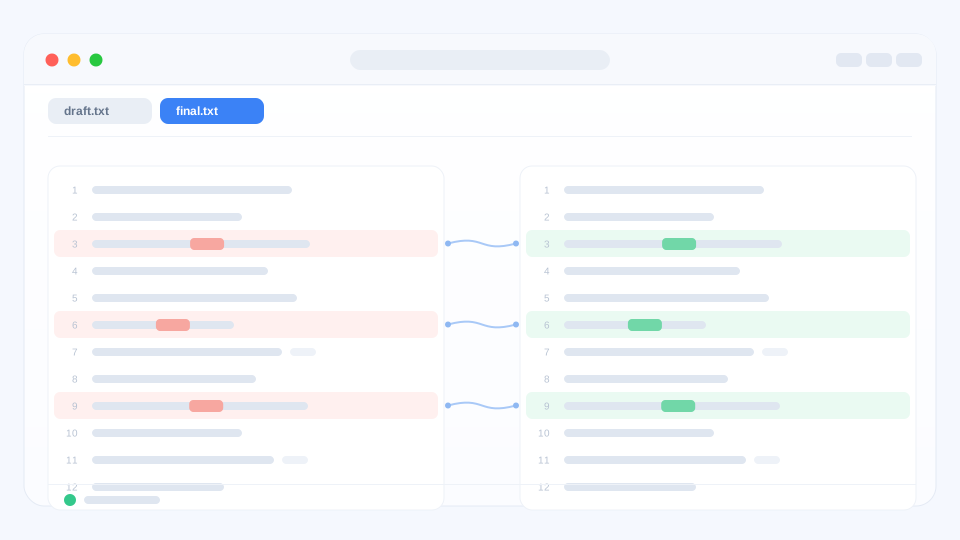
qDiff answers one question: what changed? Put two versions next to each other and everything different is marked in colour, so you can stop comparing line by line with your eyes.
Three things people use it for
- Two files — a draft and its revision, a config before and after, two exports from the same tool. Changed words are highlighted inside the line.
- Two folders — a working folder and its backup. New, changed and missing files are easy to pick out, and you can bring the two sides back in sync.
- A project folder — everything you touched, gathered in one list. Read each change and commit without switching windows.
Pictures, compressed archives and files that are not plain text are welcome too. See more ways to compare.
Start in three steps
- Open qDiff and drag two files or folders onto the window — or choose them from the File menu.
- Look at the coloured lines. Click the small map on the side, or use the previous / next buttons to walk through every change.
- Edit, copy or sync what needs fixing. Save a picture of the comparison if someone else should see it.
No setup needed
There is no account to create and nothing to configure before the first comparison. Everything works offline.
Free, and private
Every comparison is available for free. The free version only shows a small mark in the tab bar; a one-time purchase removes it. qDiff reads only the files you choose and sends nothing anywhere — see the Privacy Policy for details.
Need a hand?
The FAQ covers the most common questions. If something still looks wrong, write to us and we will help.