qDiff
See exactly what changed
Compare two files, two folders, or the changes in a project — side by side, in colour, without the guesswork. Everything stays on your Mac.

macOS 12 or later · Free to use · No account needed
Everything you need to see the difference
Open two things, and qDiff shows what changed — clearly and quietly.

Compare files
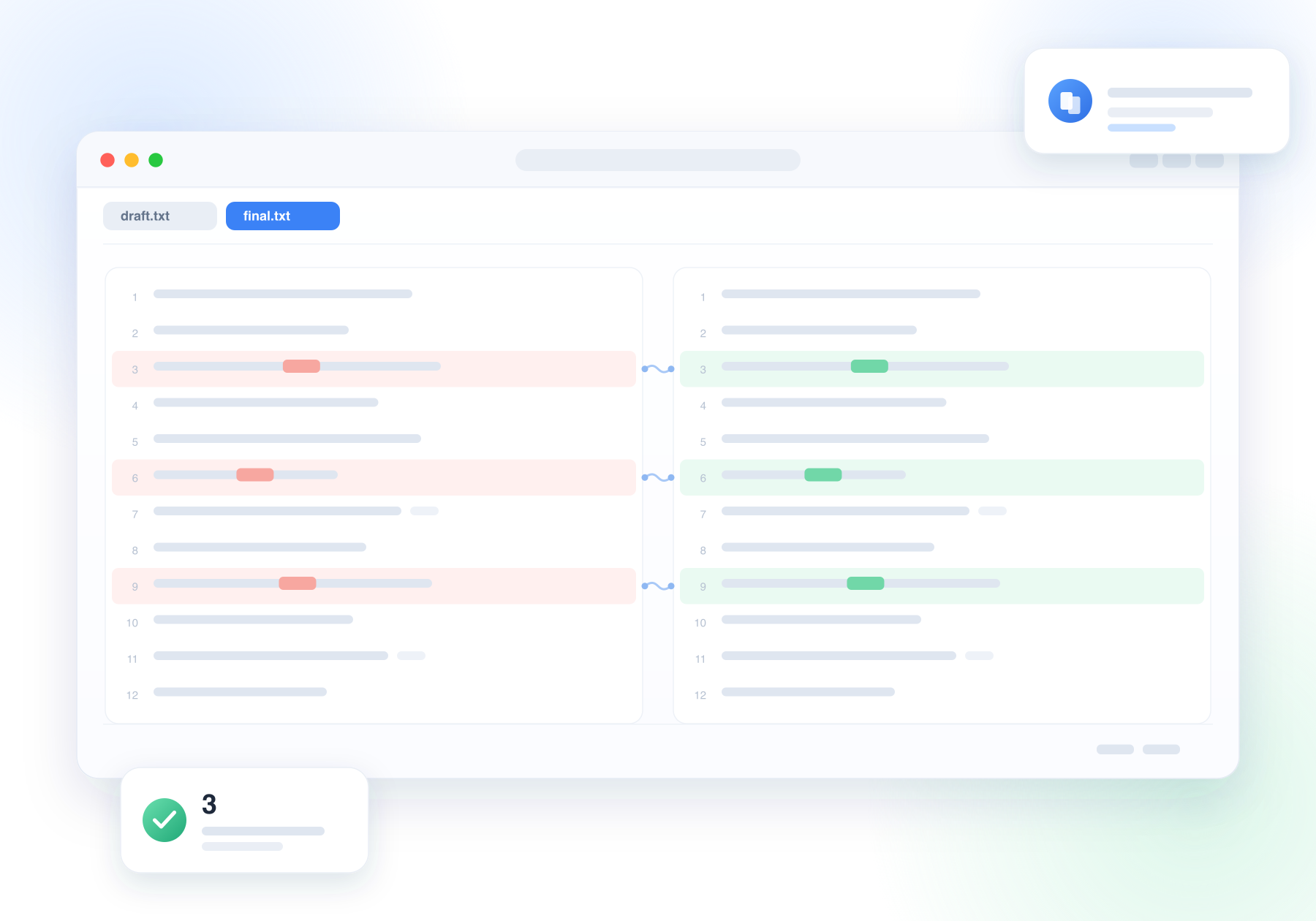
Open two or three files side by side. Changed lines are tinted, and even one changed word is highlighted — no more reading the same line twice.
Learn more
Compare whole folders
See an entire folder tree at once: what is new, what changed and what is missing. Filter by status, then copy or sync files right from the list.
Learn more
Review before you commit
Open a project folder to see every file you touched, read each change, and finish the commit in the same window.
Learn more
Images and archives too
Put two pictures side by side or overlay them to spot differences. Zip and tar archives open straight into a folder comparison — no unpacking needed.
Learn more
Never lose your place
Both sides scroll together, a clickable map shows where you are, and one key jumps to the next change — even in a long document.
Learn more
Private by design
No account, no upload, no tracking. qDiff only opens the files you choose, and you can save a comparison as a picture to share.
Read our promiseWhere qDiff helps
The moments when “what changed?” actually matters
Three steps, no setup
From two files to a clear answer
Open two things
Drop two files or folders onto qDiff, or pick a project folder you want to review.
Read the colours
Changed lines and words are marked for you; click the map or press a key to move between changes.
Act or share
Edit, copy, replace or sync right there, then save a picture if someone else needs to see it.
Good to know
Quick answers before you download
Is qDiff free?
Which Macs are supported?
Do I need an account or an internet connection?
Can it compare whole folders?
Which languages are available?
What happens to my files?
Stop guessing what changed.
Download qDiff for your Mac and put two versions side by side. Free to use, and your files never leave your computer.